How Coaching Institutes Adopt ClassBee Desktop.
No complicated server installation, no technical overhead, and no ongoing subscription trap. We guide you through a proven, turnkey implementation process.
Book a Live Demonstration
Schedule a personalized online session. Our product specialist walks you through student records, flexible fee billing cycles, daily attendance marking, and WhatsApp parent notifications tailored to your specific institute.
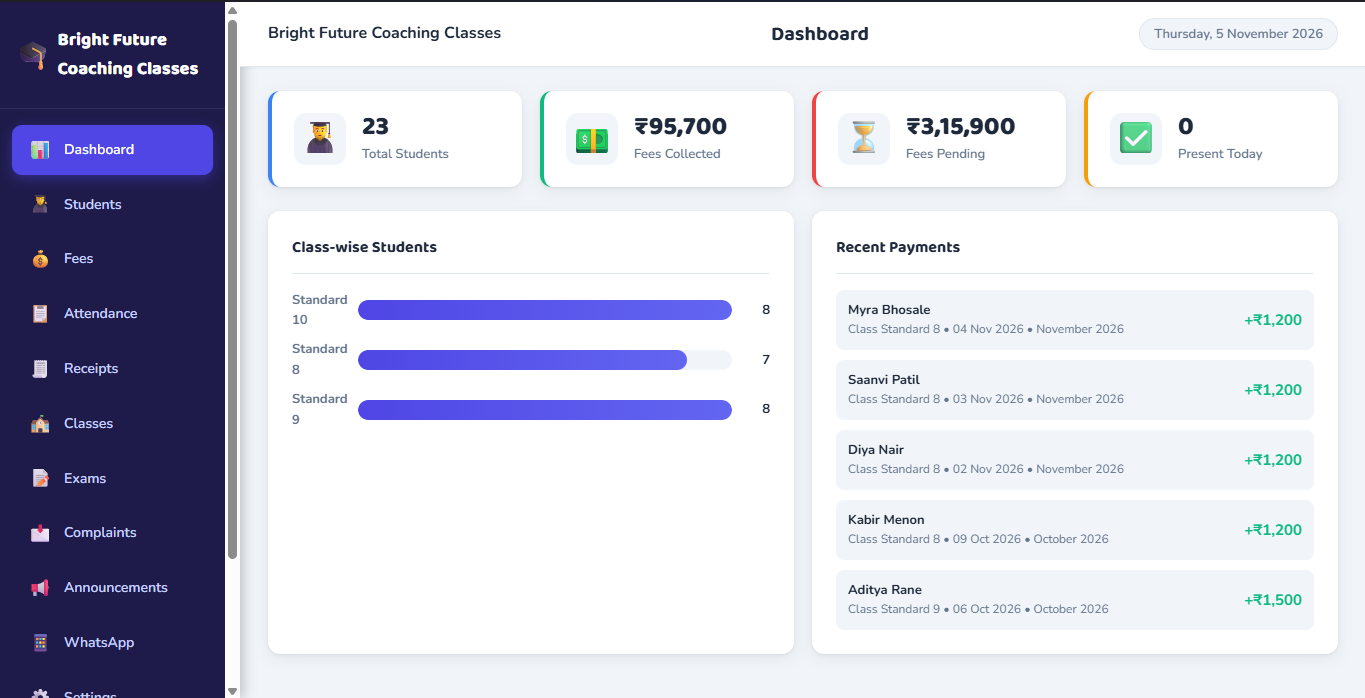
Institute Settings & Configuration
Configure your institute details in the software: upload your institute logo, set custom receipt numbering prefixes, establish your academic year, and configure your official WhatsApp message signature.
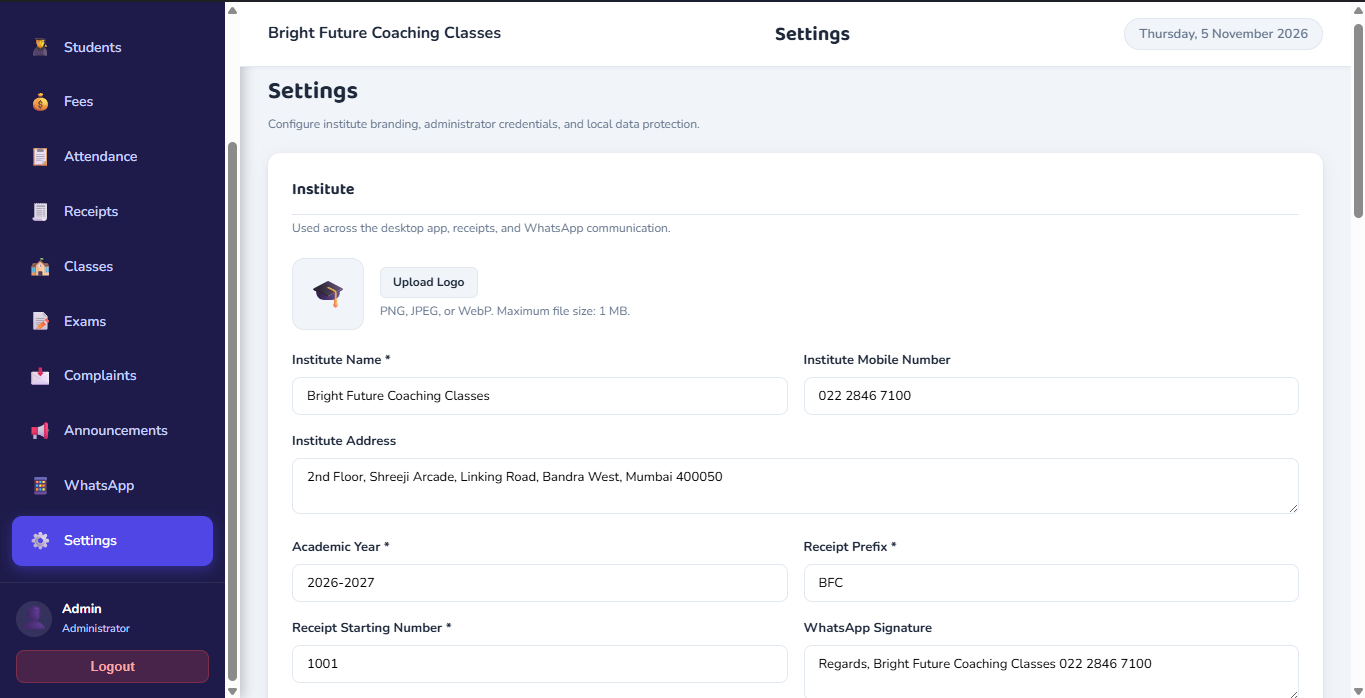
Class Setup & Student Enrolment
Create your classes, organize divisions, configure billing cycles, and enrol students with complete parent contact details. Everything is saved directly to your computer’s local SQLite database.
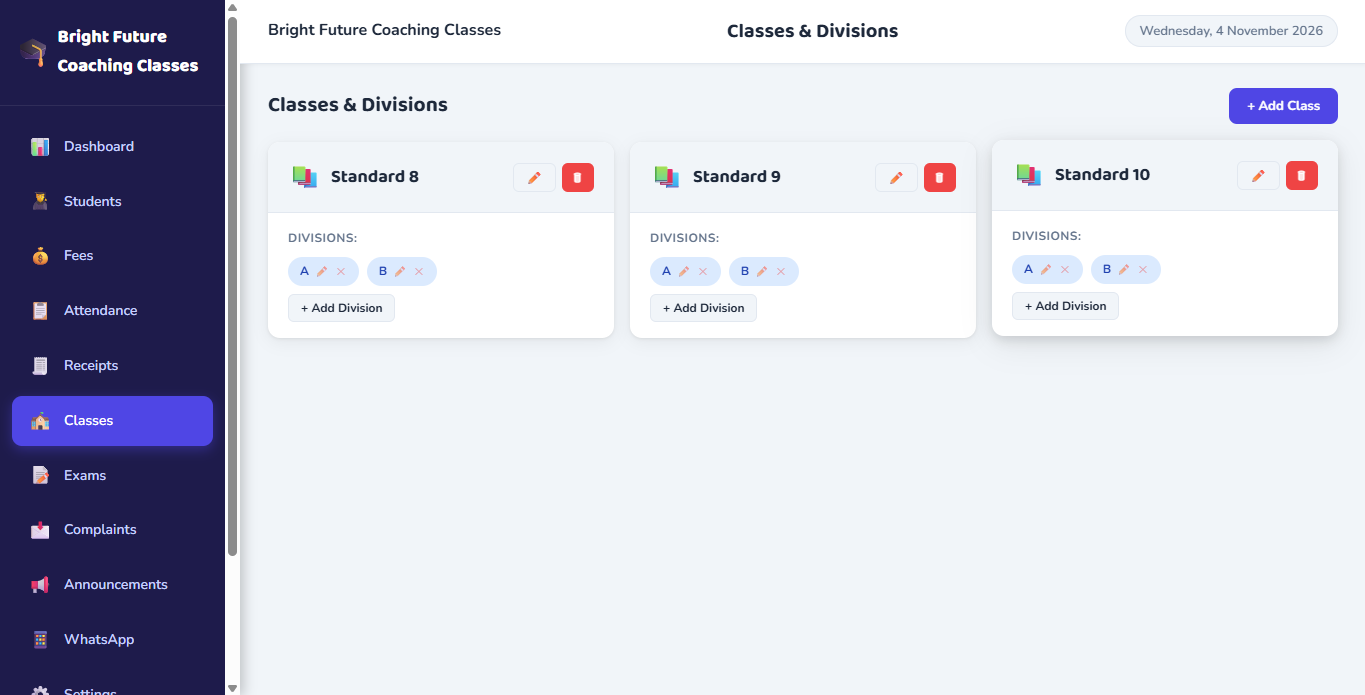
Daily Operations & WhatsApp Communication
Mark daily class attendance, record student payments with fee-period preview, print sequential receipts, and trigger one-click attendance updates and report card PDFs to parents.
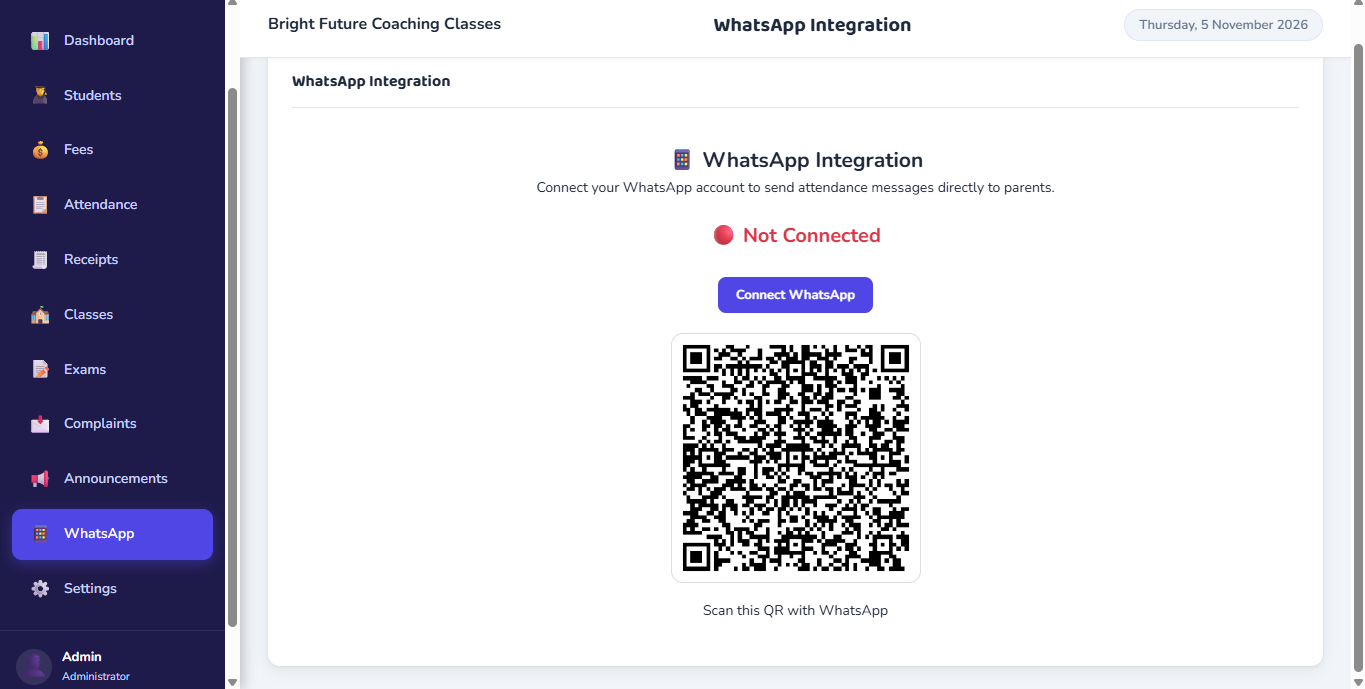
Local Backups & Encrypted Cloud Snapshots
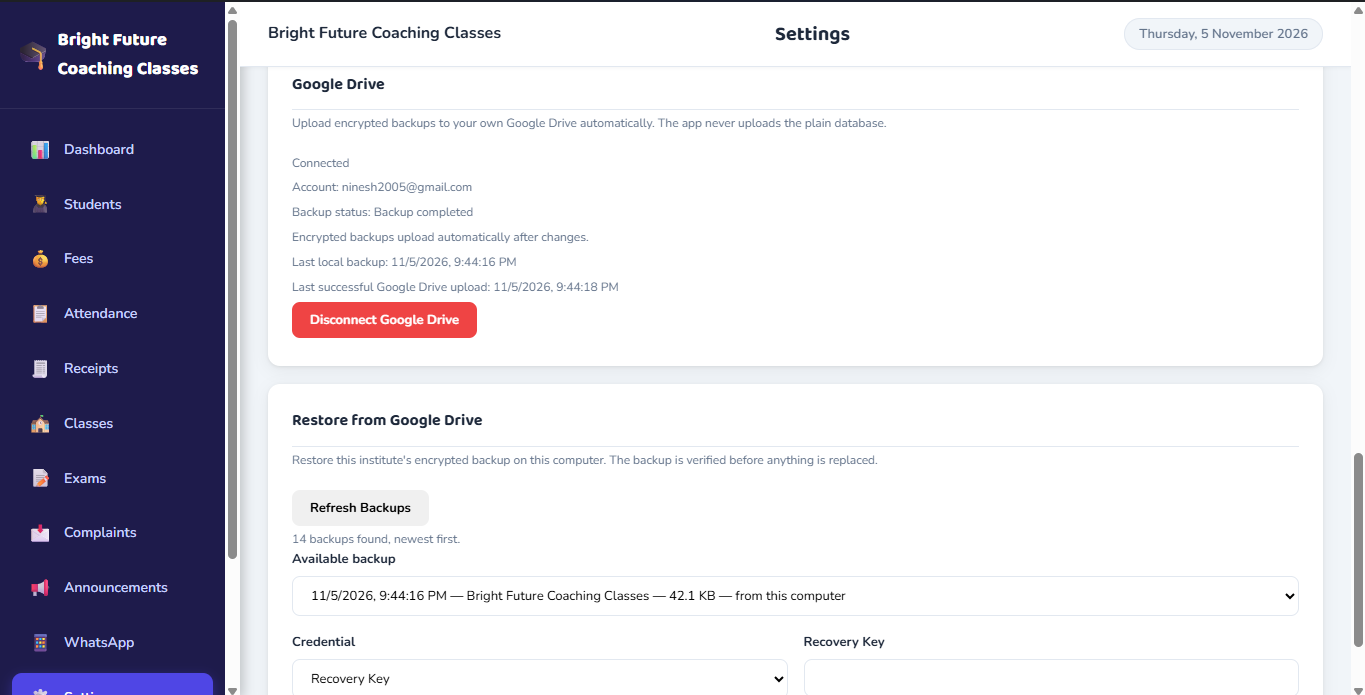
Create manual database backups anytime and export encrypted snapshots to your private Google Drive account with Recovery Key safeguards for disaster recovery.
Recommended Workstation Specifications
ClassBee is optimized for lightweight resource consumption, running smoothly on modern Windows and macOS computers.
Windows Workstation
- Operating System: Windows 10 or Windows 11 (64-bit)
- Memory: 4 GB RAM minimum (8 GB recommended)
- Disk Space: 500 MB available local storage
- Internet: Required only for WhatsApp Web QR and Google Drive backup
Apple macOS Workstation
- Operating System: macOS 11 (Big Sur) or newer
- Architecture: Apple Silicon (M1/M2/M3/M4) & Intel 64-bit
- Memory: 4 GB RAM minimum
- Disk Space: 500 MB available storage
Frequently Asked Implementation Questions
ClassBee is desktop-based coaching institute management software created specifically for coaching institutes, tuition centres and test prep academies. The primary database runs locally on your workstation using SQLite, while features such as WhatsApp communication and Google Drive backups utilize internet connectivity when active.
ClassBee is a dedicated desktop application built with Electron, Node.js and SQLite, not a hosted web platform. Your core student roster, fee records and attendance registers are stored locally on your physical computer. WhatsApp messaging and Google Drive backup functions connect over the internet when in use.
Core administrative functions — such as managing student records, recording fee payments, marking daily attendance registers, and previewing or printing receipts — operate against your local SQLite database on your machine. An active internet connection is required when dispatching WhatsApp messages or synchronizing encrypted backup snapshots to Google Drive.
ClassBee connects to your institute WhatsApp account via QR code session pairing using local browser automation (whatsapp-web.js and Puppeteer). All messaging actions — including individual/bulk fee reminders, one-click attendance notifications to relevant students’ parents, report-card PDF sharing, and class announcements — are administrator-triggered with preview and confirmation. It does not require official WhatsApp Business API approvals.
Let Us Demonstrate How ClassBee Works for You
Our experts will set up a live screen-sharing session and answer every operational question you have.